Designer Mads Svanegaard Does Big-Studio Design Work with AMD
Solo industrial designer powers through CAD, KeyShot Studio renders, and local AI on HP Z2 Mini G1a with an AMD Ryzen™ AI Max+ PRO 395 processor
Mads Svanegaard is an industrial designer and 3D visualizer who runs his own studio, Designersvane, in Denmark. He works with clients in medical devices, consumer technology, and interior products, and he teaches KeyShot and advanced 3D visualization at the design school in Kolding. He uses KeyShot Studio daily, from quick studies of form and materials to the photorealistic images clients need for a product launch or a catalog.
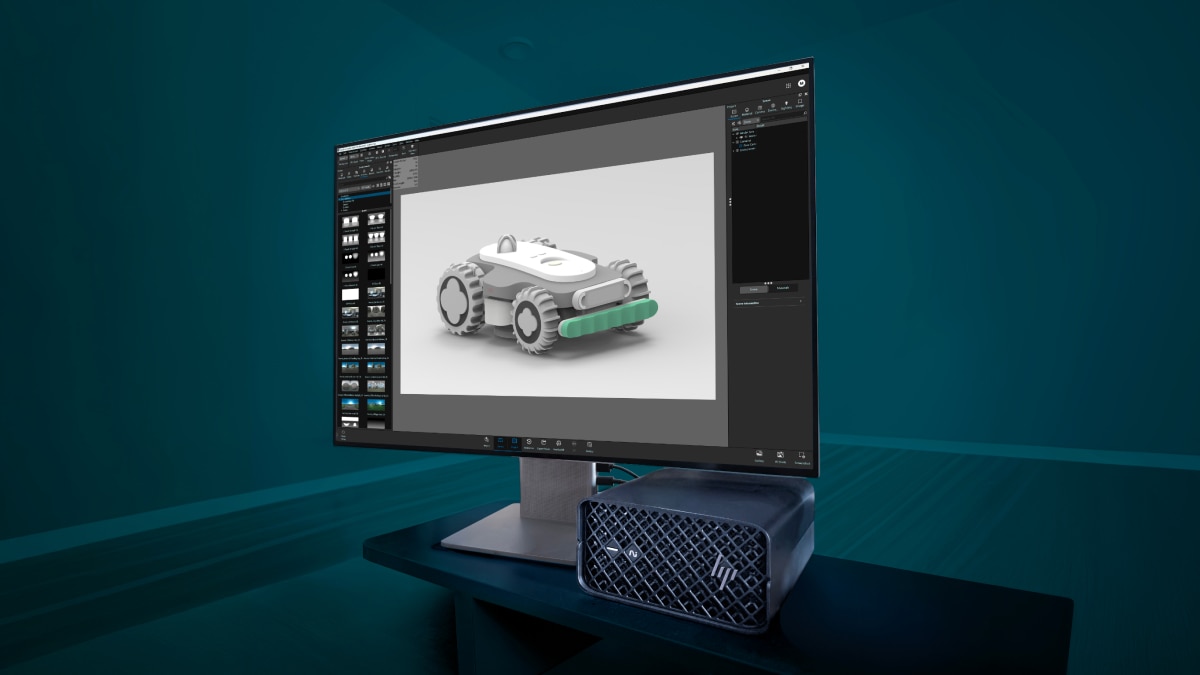
Much of his work is exploration, seeking the best combination of materials, lighting, and settings to present a product in the most compelling way. But he was finding that his hardware limited how many iterations he could do on a project. Detailed renders were slow and contextual scenes even slower. That often meant deadline pressure limited how many options he could show a client. In addition, ComfyUI, a local interface for running Stable Diffusion AI workflows that he had started folding into his process, didn't run with the responsiveness he needed. When HP offered him the opportunity to try its Z2 Mini G1a, a small-form-factor desktop built on the AMD Ryzen AI Max+ PRO 395 processor, he put it to the test by designing a robotic lawnmower from scratch to see whether the compact HP machine could handle the full load his work requires.
The High Cost of Extra Rendering
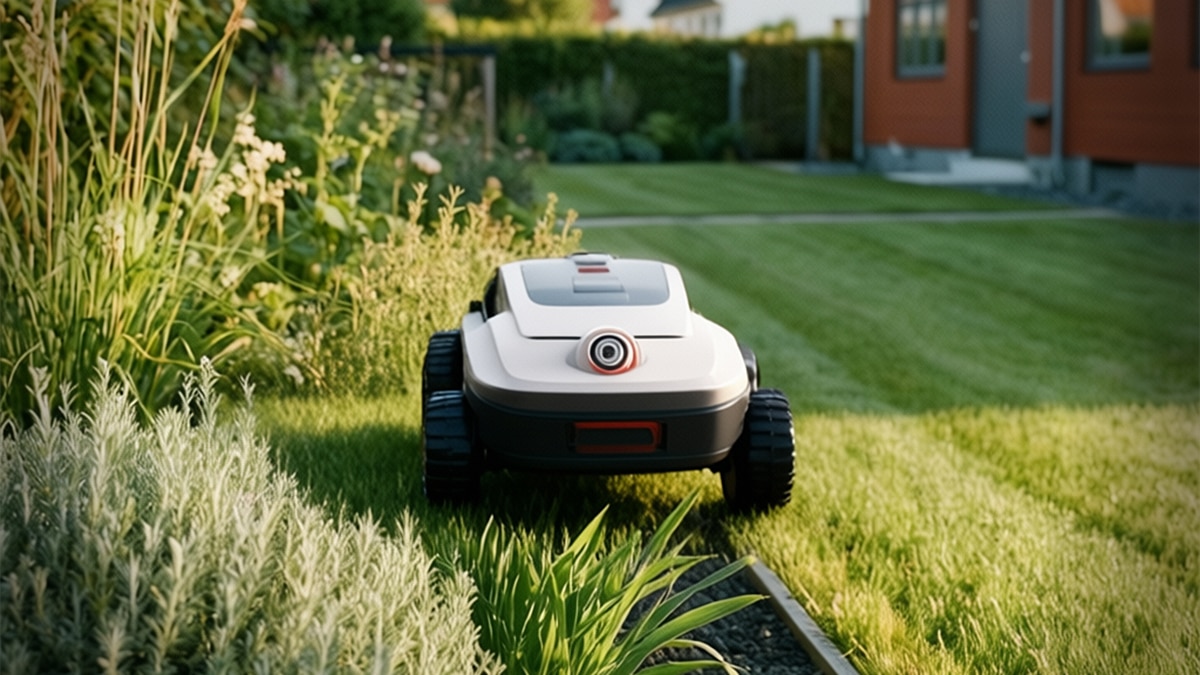
On one recent project, Svanegaard had to produce more than 700 renders in three or four months. Each render costs him time. On his previous machine, high-resolution images with detailed textures took about 15 minutes, and more complex contextual scenes an hour or more. Catalog work was the most demanding. Rendering at 5000 by 5000 resolution, with sample counts up to 600, meant a single image could take three or four hours. Render time also forced him to compromise on the resolution of animations he created. “I’ve had to choose and be very deliberate in the number of visualizations or renders that I can make for a client for a presentation,” Svanegaard says.
What makes those renders even more costly, beyond time, is that they need to look photorealistic rather than computer-generated. For example, he describes a client that makes industrial washing machines sold through catalogs and online to buyers who need to see what they are getting. “If people think that it’s a render, some of them would also think that it doesn’t exist,” Svanegaard says, “and that is not great for a company that is trying to sell a product.”

Designing a Robotic Lawnmower from Scratch
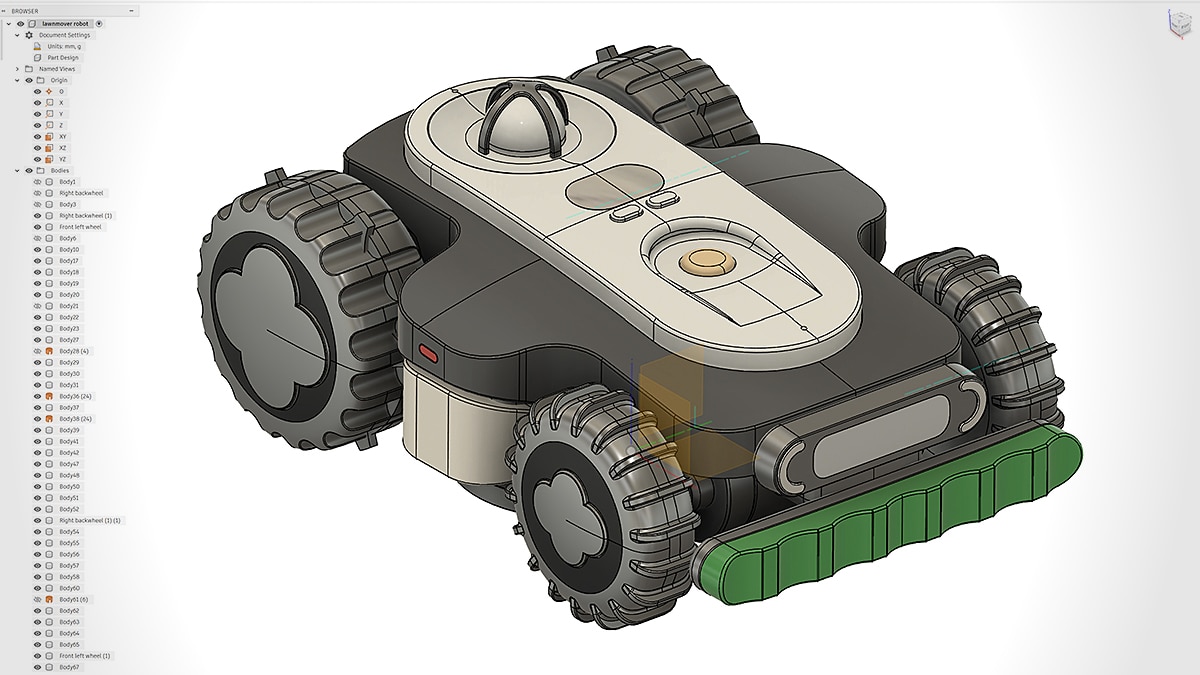
For his lawnmower design, Svanegaard sketched and modeled in Autodesk Fusion, the CAD tool he uses every day. The model took about two days because of the complex surface work it demanded: double-curved surfaces, clean cuts, complex transitions, and many separate parts. Autodesk Fusion ran flawlessly on the Z2 Mini G1a with an AMD Ryzen AI Max+ PRO 395 processor. “I have had zero issues with that,” he says. “It works really well.”
He then began building visuals in KeyShot Studio, first on a white background, then adding colors, finishes, textures, glass, reflections, and lighting, before moving it into more sophisticated scenes. The model had a front glass pane with cameras behind it, and getting the light to pass and reflect through that glass convincingly was demanding work. "The system is really solid and stable," Svanegaard says. "It stays responsive when I rotate things around, so you can really get lost in the flow, which is super nice."
The contextual scenes were heavier, with interiors and outdoor environments full of trees and grass. One scene ran to more than 33 million polygons by his estimate. He used KeyShot’s Fuzz feature to create the grass, which he says previously had caused a noticeable slowdown. “It wasn’t something that I noticed while working with this scene,” he says. “It’s just a powerful tool, and especially when you’re working with GPU, it’s fast.”
“In the lawnmower project, I went through four scenes in a very short time,” he says. “That would have taken a lot longer, and I wouldn’t have been able to do it that fast before.” Within a scene, he could also work through several angles. “When you have more freedom, you can expand your exploration and your output,” he says, “so you can deliver higher quality, more renders, more different scenes, which means you can provide a better service for your client.”
Modeling, Rendering, and Local AI on One Workstation
The AMD Ryzen AI Max+ PRO 395 processor pairs 16 CPU cores with integrated AMD Radeon™ graphics and 128 GB of unified memory that can be split between the CPU and GPU as needed, with up to 96 GB allocated to graphics memory through AMD Variable Graphics Memory. That shared pool is what lets Svanegaard move between processors and load large models on one machine. With KeyShot Studio’s support for AMD Radeon graphics, he chooses CPU or GPU depending on what he is doing. He uses the GPU for intense outdoor scenes and for designs involving light, such as a lamp, and the CPU for precise texturing and for wide renders early on, when little else is in the scene.
“Having the ability to switch between CPU and GPU when I'm handling something complex, and still make it fast enough for me to visualize it, is super nice,” Svanegaard says. “Then I can deliver options for the client. They can say we want to go in this direction, and I can iterate and refine afterward, both using GPU and also using CPU sometimes.” He also renders on the GPU and then uses an AI upscaler for detail that is slow to build by hand, such as on a hand model. “You’ll get small hairs and imperfections, which makes it a lot more realistic,” he says, “and it would have taken you a lot longer to get to that level inside KeyShot.”
He uses KeyShot AI Shots early in a project, often before a client has said what setting they want, so he can quickly try different backgrounds along with color, material, and finish options. For heavier generative work, he uses ComfyUI, compositing a rendered product into a generated environment with matched lighting, shadows, and color. “I could not run a ComfyUI at the level that I’m doing on this system, especially because of the memory bandwidth,” Svanegaard says. “That capacity is definitely an important part of why this kind of PC works for me.”
“From my client’s point of view, with NDAs and IP and everything, it just makes sense to keep AI local,” Svanegaard says. “That’s actually why I’m so happy that KeyShot is integrating their own model inside their tool.” On earlier systems, he had lost time to setup, drivers, and things not working. “With the HP system and its AMD processor, I installed ComfyUI, it worked. I installed KeyShot, Autodesk Fusion, everything just worked,” he says. “I don’t have an IT department. It’s me. For individuals and small teams, this is so critical to efficiency, so you’re not spending half a day setting things up and downloading drivers.” The desktop is also small enough to carry between his home studio and a second one nearby, where before he might have needed a remote setup to reach a system elsewhere.
AMD Provides an Alternative to The “Big-GPU” Route
Every couple of months Svanegaard meets with a small group of fellow 3D visualizers, most of them working on large graphics cards. He has looked at that kind of desktop himself and held off, partly because of the price. “I have not bought one of the desktop PCs with some kind of huge graphics card, even though I’ve been looking at it for a long time,” he says. “It’s been out of scope, for price reasons.”
“I think this is a really, really nice alternative,” Svanegaard says of the big-GPU setups his peers run. His peers do pure visualization while he also models, and he thinks the system suits his kind of work even more. “From an industrial designer point of view, I think this would be even better, because it’s a little bit more versatile.” “If you know it can handle stuff, you throw more at it,” he says. “The system does not limit you. You’re actually enabled by your tools, and that is so important when you’re doing creative work.”
About the Customer
Designersvane is an independent industrial design studio and consultancy in Ringe, Denmark, founded by Mads Svanegaard. Rooted in Danish design traditions with a focus on the user's needs, the studio helps companies design and develop products and creates enticing 3D visuals and animations. Svanegaard brings more than 18 years in product development, nearly 14 of them as an industrial designer and 3D visualizer, and works with clients across med-tech, audio products, and consumer goods. For more information visit designersvane.com.
Case Study Profile
- Industry:
Design & Manufacturing - Challenges:
On his earlier system, Svanegaard's detailed renders ran long, contextual scenes took hours, and the local AI he wanted would not run, limiting how much he could explore and deliver for clients. - Solution:
The HP Z2 Mini G1a enables Svanegaard to run CAD, KeyShot Studio renders, and local AI. Its AMD Ryzen™ AI Max+ PRO 395 processor converts up to 96 GB to graphics through AMD Variable Graphics Memory. - Results:
Svanegaard renders demanding scenes smoothly and runs generative AI locally, exploring more options and taking on bigger, more ambitious work for clients. - AMD Technology at a Glance:
AMD Ryzen™ AI Max+ PRO 395 processor - Technology Partners: