Run Hugging Face Models on AMD GPUs with One Click
Jul 23, 2026

Testing popular large language models often means waiting for GPU access and managing environment setup. The Hugging Face One-Click Notebook experience, powered by AMD Developer Cloud, eliminates this friction. Pick a model on Hugging face and try it directly on a notebook running on AMD GPUs.
With access to AMD GPUs featuring up to 192 GB of GPU high bandwidth memory , developers can experiment with larger models and demanding AI workloads. The integrated notebook experience makes it easy to evaluate, prototype, and iterate without worrying about infrastructure setup or memory constraints.
Check this collection to see which models are supported!
How it works: Step by Step
Step 1: Start with Hugging Face Models
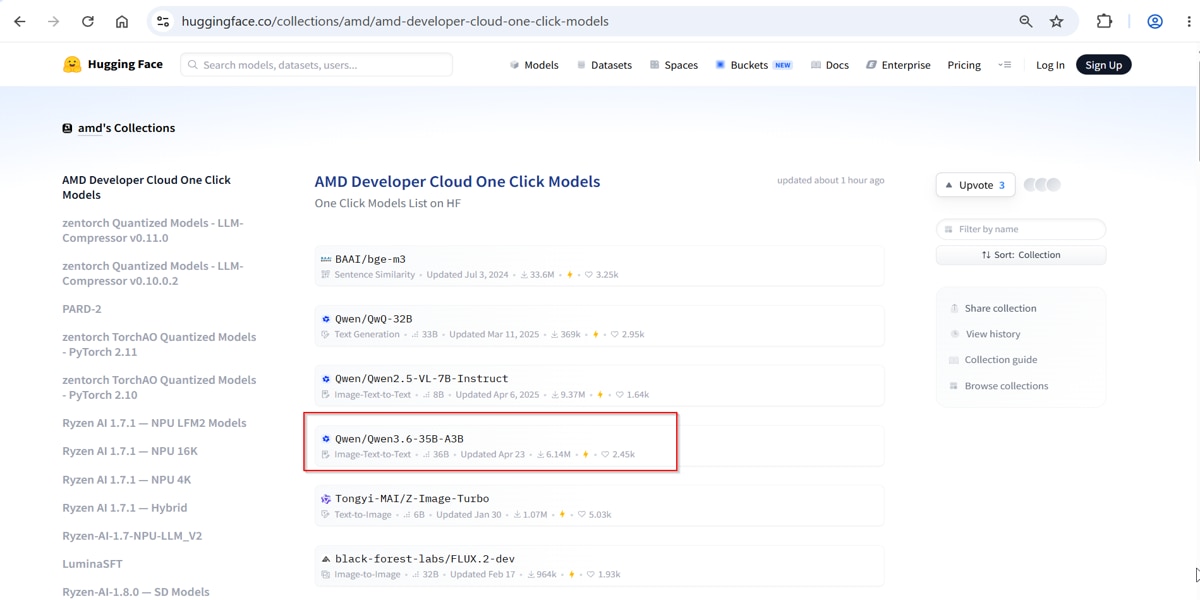
To try this workflow, start from the AMD Model Collection Page. In this example, search for and open the Qwen3.6-35B-A3B model page.
Step 2: Launch with AMD Developer Cloud
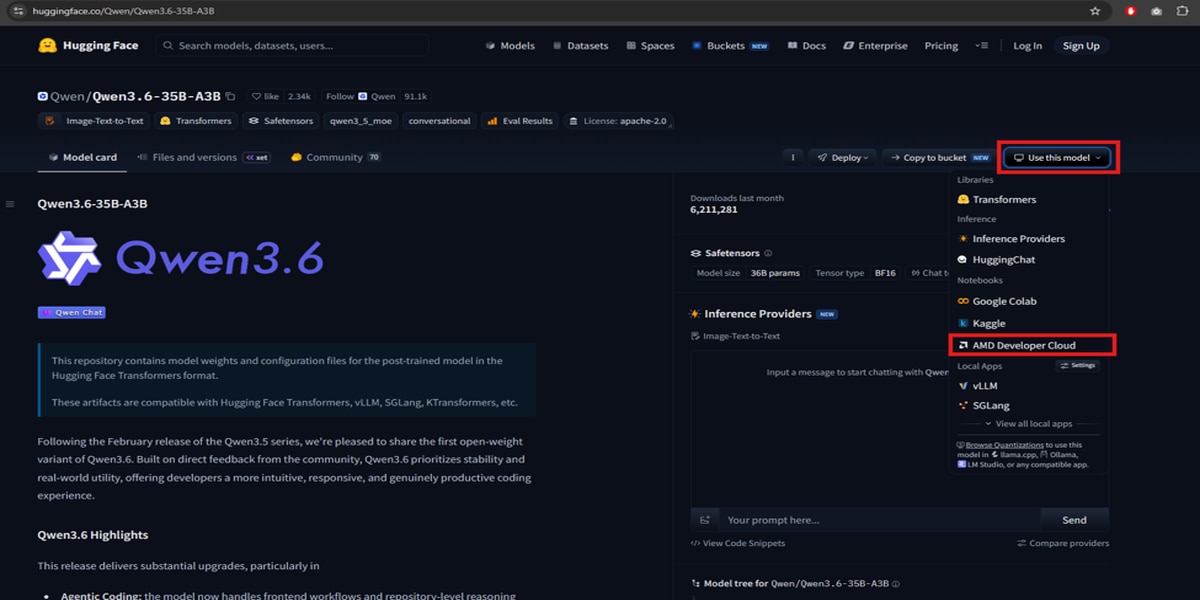
On the right side of the model page, open the Use this model drop-down menu and select AMD Developer Cloud. Your browser will redirect you to the AMD AI Notebooks sign-in page.
Step 3: Sign into AMD Developer Program
Sign in using your AMD AI Developer Program credentials, just as you would with any other cloud-based Jypyter notebook service. If you aren’t already a member, create a free account here, to recieve 100$ in free GPU credits and access to training content through the AMD AI Academy.
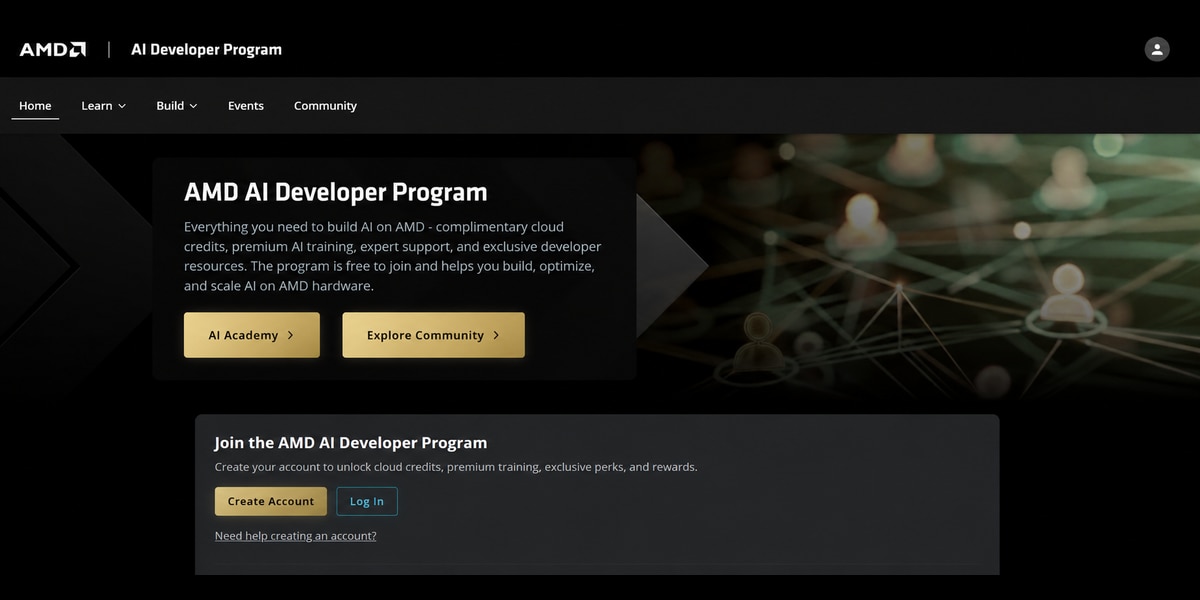
After signing in with your credentials, you will be directed to the Notebooks page.
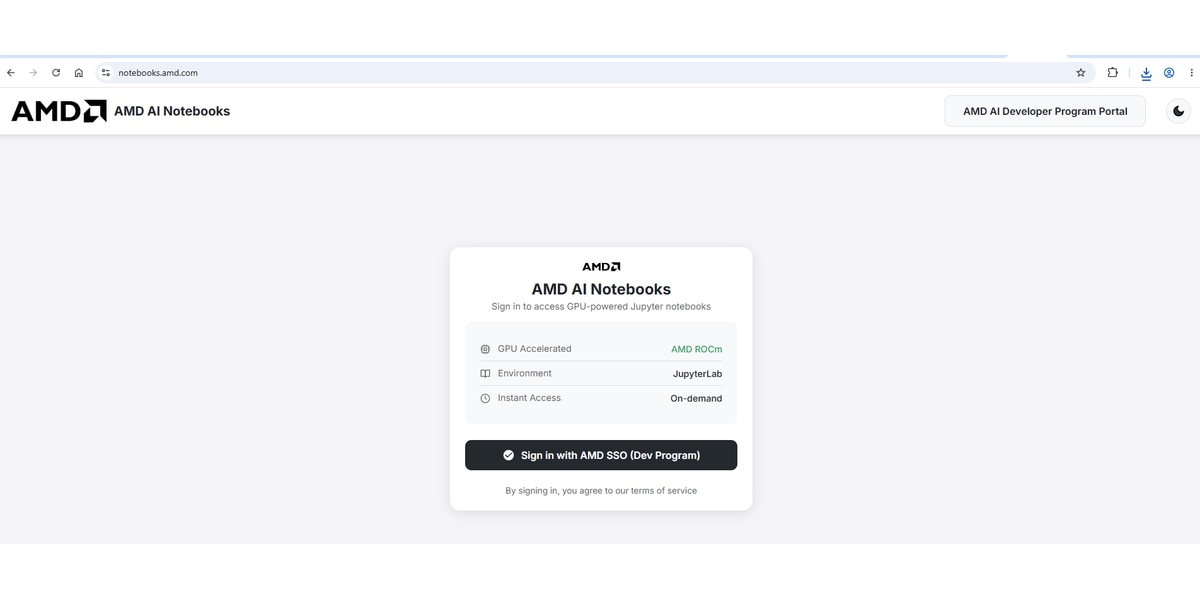
Once authenticated, your notebook environment is automatically provisioned. The First time Authentication might involve a code verification via your email.
Step 4: Notebook and GPU Ready
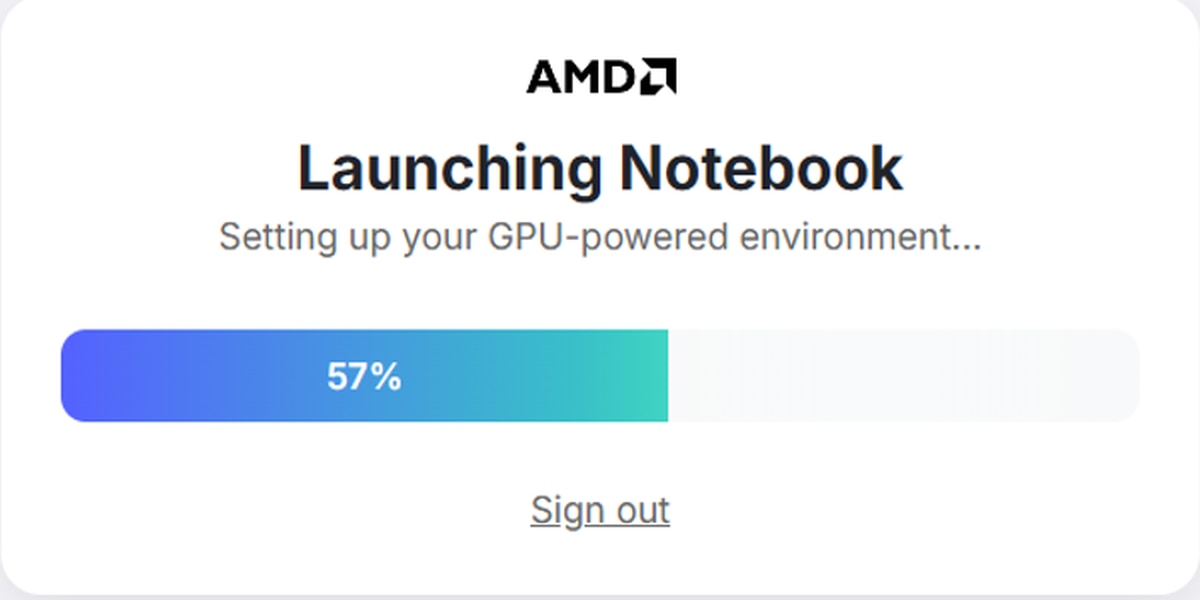
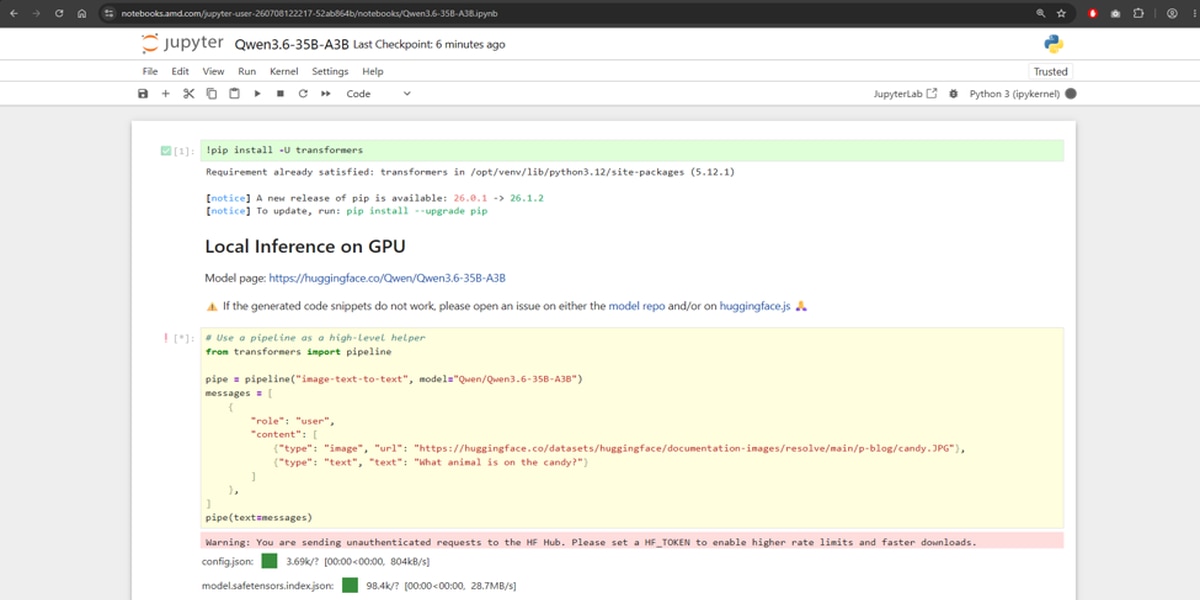
After signing in, you'll be presented with a familiar cloud-based notebook environment which will load a powerful AMD GPU enabled in the backend. Step through the Python notebook to run the model example directly in the hosted environment.
Get Started Today
The Hugging Face One-Click Notebook experience makes it easy to evaluate the latest AI models directly from a Hugging Face model page using AMD GPU-powered notebook instances. With a growing catalog of supported models and new additions being enabled regularly, developers can quickly access cloud-based AMD GPU environments for AI development and evaluation.
Whether you're exploring the latest LLMs, benchmarking model performance, or prototyping AI applications, you can get from model discovery to experimentation in just a few clicks.
Ready to get started? Visit Hugging Face, launch a supported model with AMD Developer Cloud, and experience how quickly you can start building and evaluating AI workloads on AMD GPUs.


Related Blogs
-
Two Waves, One Stage Apart: Warp-Pipelining Triton GEMMs on AMD Instinct — ROCm Blogs
Use warp-pipelining to overlap matrix work and data preparation in compute-bound Triton GEMMs on AMD Instinct GPUs.
October 26, 2026
-
Training EAGLE3 Speculative Decoding Draft Models on AMD Instinct MI350X with AMD Quark — ROCm Blogs
Learn how the AMD Quark team trains EAGLE3.1 draft models from scratch on AMD Instinct MI350X GPUs using ROCm, vLLM, TorchSpec, and SPEED-Bench.
October 26, 2026
-
Group-GEMM in XLA: Making Mixture-of-Experts Fast and Memory-Efficient — ROCm Blogs
Learn how to make JAX/MaxText MoE training more efficient with two new OpenXLA Group-GEMM backends for ragged-dot: ROCm hipBLASLt and generic Triton.
October 25, 2026
-
Scaling 3D Gaussian Splatting with Distributed Compute: Why One GPU Is Never Enough — ROCm Blogs
Learn how to scale 3D Gaussian splatting across GPUs with distributed training, RCCL, and real-world optimization tips for AMD Instinct GPUs
October 22, 2026
-
FP8 GEMM Optimization on AMD RDNA™ 4 Architecture — ROCm Blogs
Learn how to port an FP16 GEMM kernel to FP8 on AMD RDNA 4 and use the smaller element size to unlock larger tiles and deeper K slices.
October 22, 2026
-
Introducing rocOpt: GPU-Accelerated Decision Optimization on AMD ROCm — ROCm Blogs
Run large-scale MILP, LP, QP, and vehicle routing problems on AMD Instinct GPUs - introducing rocopt, optimization built for ROCm.
October 19, 2026
-
FP16 GEMM Optimization on AMD RDNA™ 3 and RDNA™ 4 Architectures — ROCm Blogs
Learn how to build an FP16 GEMM kernel with WMMA on AMD RDNA 3 and RDNA 4, one optimization at a time, and approach hipBLASLt performance.
October 15, 2026
-
Completing the GPU Performance Picture: Understanding TAF Alongside Peak FLOPs and MAF — ROCm Blogs
Learn how Typical Attained FLOPs complements Peak FLOPs and Max-Achievable FLOPs, including the methodology and MI325X results
October 05, 2026