Project Zenith Comes to AMD Ryzen™ AI Halo: Ready to Code. Ready to Build.
Nov 09, 2026

Project Zenith brings Microsoft's ready-to-code Windows 11 experience to the AMD Ryzen™ AI Halo Developer Platform, creating a powerful new starting point for local AI development.
At IFA 2026, AMD and Microsoft came together to announce Project Zenith, a new ready-to-code Windows 11 experience launching first on AMD Ryzen™ AI Halo. Today, we're excited to bring that vision to life with the availability of Project Zenith on the new AMD Ryzen™ AI Max+ PRO 495 powered Ryzen AI Halo, and coming soon to other Ryzen AI Max powered devices, combining powerful developer-class hardware with a preconfigured Windows environment designed to help developers get started faster.
Our goal with AMD Ryzen AI Halo has always been simple: spend more time building and less time configuring. Project Zenith takes that experience further on Windows 11.
From Power-On to Building
A powerful developer system shouldn't require hours of setup before you can start using it. Project Zenith establishes a developer-ready Windows 11 baseline with commonly used development tools spanning languages and runtimes, source control, and productivity tools already available, including Visual Studio Code pinned to taskbar, Git, GitHub CLI, GitHub Copilot CLI, Azure CLI, Python, Node.js, .NET, PowerShell 7 and Windows Subsystem for Linux (WSL). It also configures Windows settings aimed at creating an optimized development environment.
The goal is to provide a better starting point rather than prescribing a particular workflow. Developers can continue to configure and personalize the environment around the tools, languages and frameworks they prefer.
That philosophy fits closely with Ryzen AI Halo: your models, your frameworks, your workflows.
Project Zenith + the AMD AI Software Experience
Project Zenith provides a strong developer foundation for Windows 11, and AMD builds on top of it with a software experience specifically designed to get developers running real local AI workloads sooner.
On Ryzen AI Halo, that includes the AMD Ryzen AI Developer Center, validated software configurations and AMD AI Playbooks that provide guided, end-to-end workflows. The current experience highlights playbooks for running LLMs with PyTorch and AMD ROCm™ software, image generation with ComfyUI, local LLM coding with VS Code and Qwen3-Coder, serving LLMs through LM Studio, and workflow automation using n8n and local LLMs.
Want more ways to put local AI to work? Explore the full library of AMD AI Playbooks.
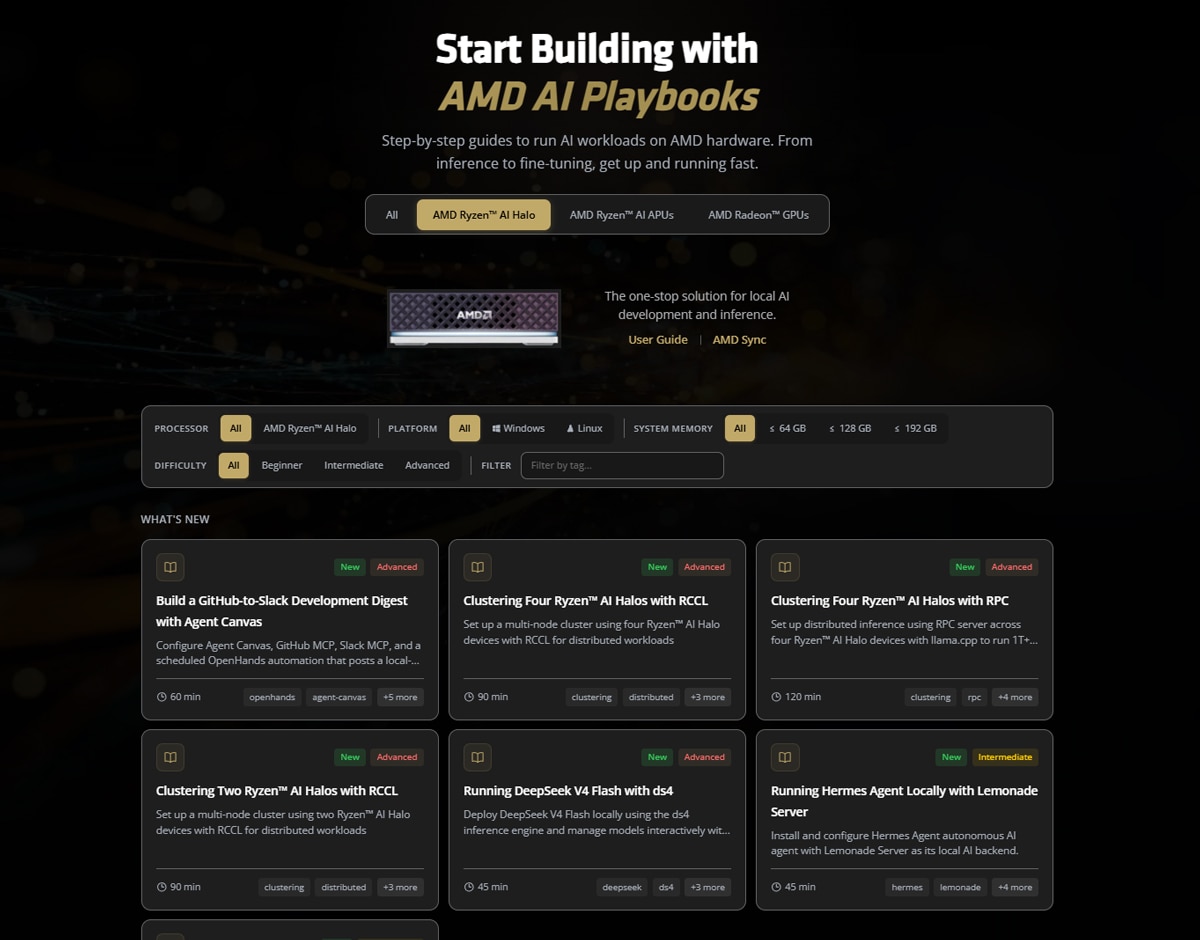
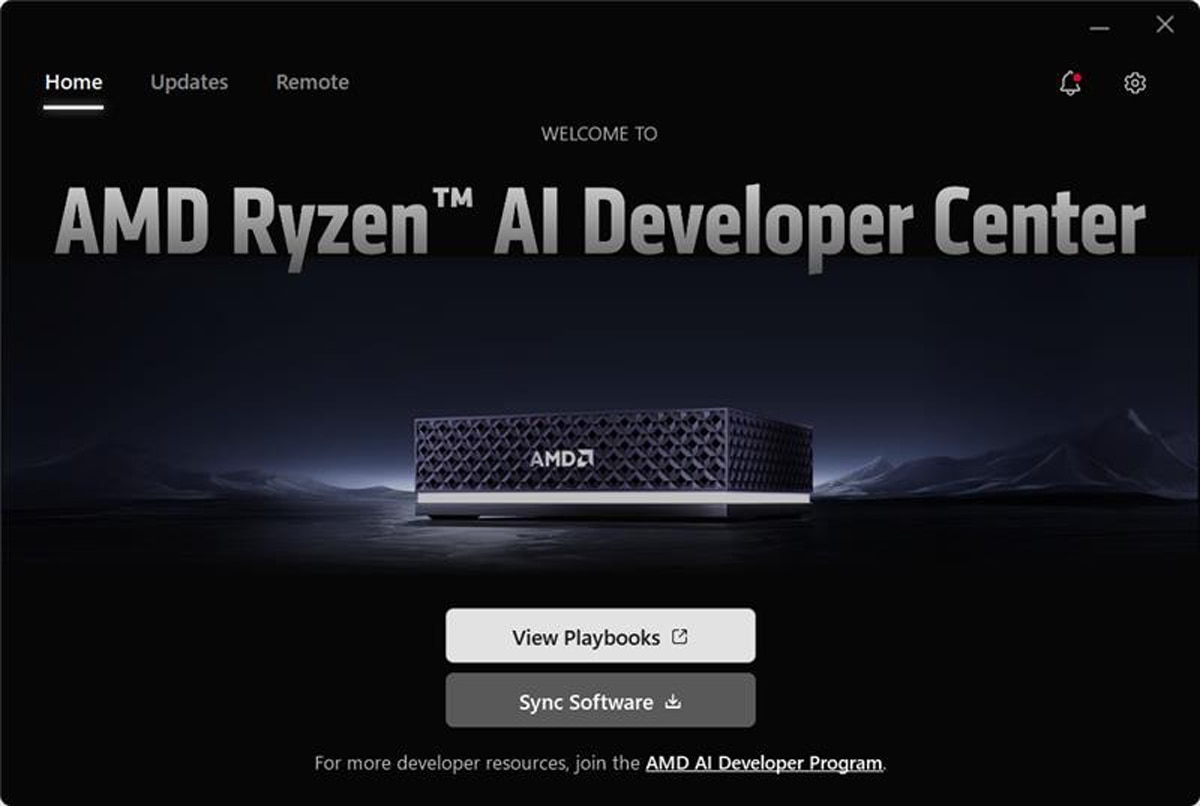
The AMD Ryzen AI Developer Center provides a centralized place to access developer resources, manage pre-installed software and synchronize supported software to AMD's validated configuration.
Built for Local AI Development
The software experience is only one part of the story.
Ryzen AI Halo combines CPU, GPU and AI acceleration with up to 192GB of unified memory, including up to 160GB of it available to graphics and 273 GB/s of memory bandwidth. That's room for larger models (up to 300B parameters), longer contexts and multi-model workflows, all running locally. Additionally, with x86 at its core, developers get full AI capability without compromising compatibility with applications and workflows developers already use every day.
A Better Starting Point for Windows AI Development
Microsoft’s Project Zenith is part of its broader effort to make Windows 11 an open platform for modern development and agentic experiences. Combined with Ryzen AI Halo's local AI capabilities, that creates an exciting environment for the next generation of AI development: a familiar Windows 11 PC experience, a developer-ready software foundation, and the compute and memory to move more experimentation onto the local system.
And importantly, developers remain in control.
Choose the models. Choose the frameworks. Customize the environment. Build locally, work with the cloud, or use a combination of both.
Start Building
Starting today, the new AMD Ryzen™ AI Halo, powered by the AMD Ryzen™ AI Max+ PRO 495 processor, is available with Project Zenith pre-installed. Already own a Ryzen AI Halo with Windows installed? You can set up the same environment using Microsoft's Windows Developer Config on GitHub.
Whether you're experimenting with local LLMs, building coding assistants, generating images, automating workflows or exploring agentic AI, Project Zenith and Ryzen AI Halo give you a faster path from opening the box to building something meaningful.
Because the developer experience shouldn't start with configuring the machine.
It should start with what you want to build.
Learn more about AMD Ryzen AI Halo, Project Zenith and explore AMD AI Playbooks.
Buy yours today at your nearest Micro Center or online.

Related Blogs
-
ROCm InferaSim: Cut LLM Serving Trial Costs and Deploy the Best Configuration — ROCm Blogs
Learn how ROCm InferaSim predicts LLM serving performance on AMD Instinct GPUs from a few short runs, so you can deploy the best configuration.
November 05, 2026
-
PrimusClaw: An Open-Source Managed Agent Runtime for AMD Instinct GPU Clusters — ROCm Blogs
PrimusClaw is an open-source managed agent runtime that hosts durable, sandboxed agent sessions on your own AMD Instinct GPU clusters.
November 05, 2026
-
Blackfuel: Building a Global Cloud for AI Inference
Blackfuel creates first AMD-powered inference deployment for more open, outcome-driven future for AI infrastructure
November 05, 2026
-
Online Quantization: Smooth Path from One Checkpoint to Any Desired Serving Scenario — ROCm Blogs
Learn how AMD Quark's online quantization quantizes LLM weights at load time across vLLM, ATOM, and SGLang, with per-layer mixed FP8/MXFP4 recipes.
November 04, 2026
-
From Operator to Kernel: Profile DeepSeek-V4-Flash in Primus with madengine — ROCm Blogs
Profile an eight-layer training proxy derived from the DeepSeek-V4-Flash Primus configuration on eight MI350X GPUs with madengine and TraceLens, then turn operator-to-kernel insights into faster runs.
November 04, 2026
-
GLM-5.2 AgentX on AMD Instinct MI355X: Boosting Throughput and Interactivity — ROCm Blogs
Learn how cache and kernel optimizations raised GLM-5.2 AgentX throughput and interactivity on AMD Instinct MI355X.
November 03, 2026
-
Quark Mixed-Precision Quantization for Wan2.2 Video Generation on AMD Instinct GPUs — ROCm Blogs
Apply AMD Quark mixed-precision MXFP4 quantization to Wan2.2-T2V-A14B video generation with calibration-driven block selection.
November 03, 2026
-
Faster Stable Diffusion on AMD Ryzen™ AI with TeaCache — ROCm Blogs
In this blog, you will learn how to speed up Stable Diffusion 3 and 3.5 on AMD Ryzen AI NPUs with TeaCache, without retraining.
November 01, 2026