ROCm™ AI Developer Hub: Cloud and Data Center AI
Optimize Large-Scale Training and Inference on AMD Instinct™ GPUs
Test drive AMD ROCm™ for open-source GPU programming with PyTorch and other leading frameworks. Find sample notebooks, tutorials, open-source projects, documentation, and more.
Run Sample AI Workloads
Try out the ROCm software stack for cloud and data center AI use cases.
Featured Workloads
Get Access to AMD GPUs
Want to Test Drive ROCm on AMD Instinct GPUs Instantly?
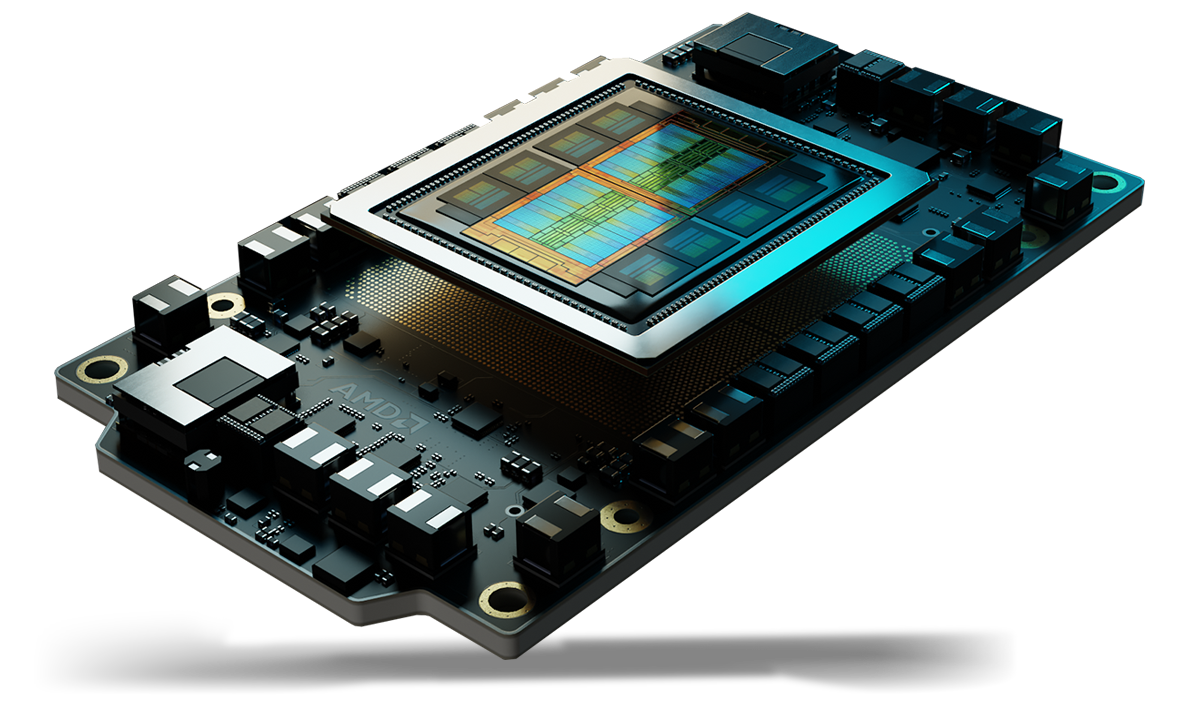
Join the AMD AI Developer Program to get $100 in free credits for the AMD Developer Cloud — a powerful computing platform with AMD Instinct GPUs, pre-installed Docker containers, and zero setup.
Learning Resources
Explore more topics to find relevant learning resources to help you stay updated with the latest technological advancements from AMD.
Community and Support


Other Forums
Frequently Asked Questions
ROCm supports over a dozen Linux distributions for compute workloads on select AMD Instinct and AMD Radeon GPUs. Currently supported Linux distributions for ROCm are listed in the system requirements document.
Successive ROCm releases have seen significant leaps in performance. See the performance results page to get a reference point for evaluating how AMD Instinct GPUs perform with ROCm software running popular AI models for inference (e.g., vLLM, xDiT) and training (e.g., PyTorch, Megatron-LM, and JAX MaxText).
AMD releases official ROCm PyTorch Docker images regularly alongside new ROCm releases. These images undergo full AMD testing. See an overview, supported modules, and key libraries in the PyTorch compatibility document, and find instructions and downloads for the Docker image or a wheels package in the PyTorch on ROCm installation guide.
You can optimize your system by tuning AMD GPUs for your workload to leverage their full capabilities.
You can also use ROCm tools to improve the performance of AI models and speed up the inference stage of running AI workloads. Quantizing and pruning pre-trained models, optimizing computation kernels, and using accelerated libraries are methods of optimizing inference. Get started in the ROCm inference optimization document.

Join the AI Developer Program
Access free AMD Developer Cloud credits, exclusive training, monthly AMD GPU sweepstakes, and community support designed to support your AI development work.
Sign Up for ROCm News
Sign up for the ROCm newsletter to keep up-to-date on the latest releases and tips.