Running and Serving LLMs with LM Studio
Run and serve LLMs locally with LM Studio for easy model deployment and OpenAI-compatible local API hosting.
Experiment with using AMD ROCm™ for AMD Radeon GPU programming. Find sample playbooks, local AI development tools, tutorials, open-source projects, documentation, and more.
Install ROCm:
Try out the ROCm software stack for edge AI use cases.
Want to Test Drive AMD Radeon GPU programming with ROCm?
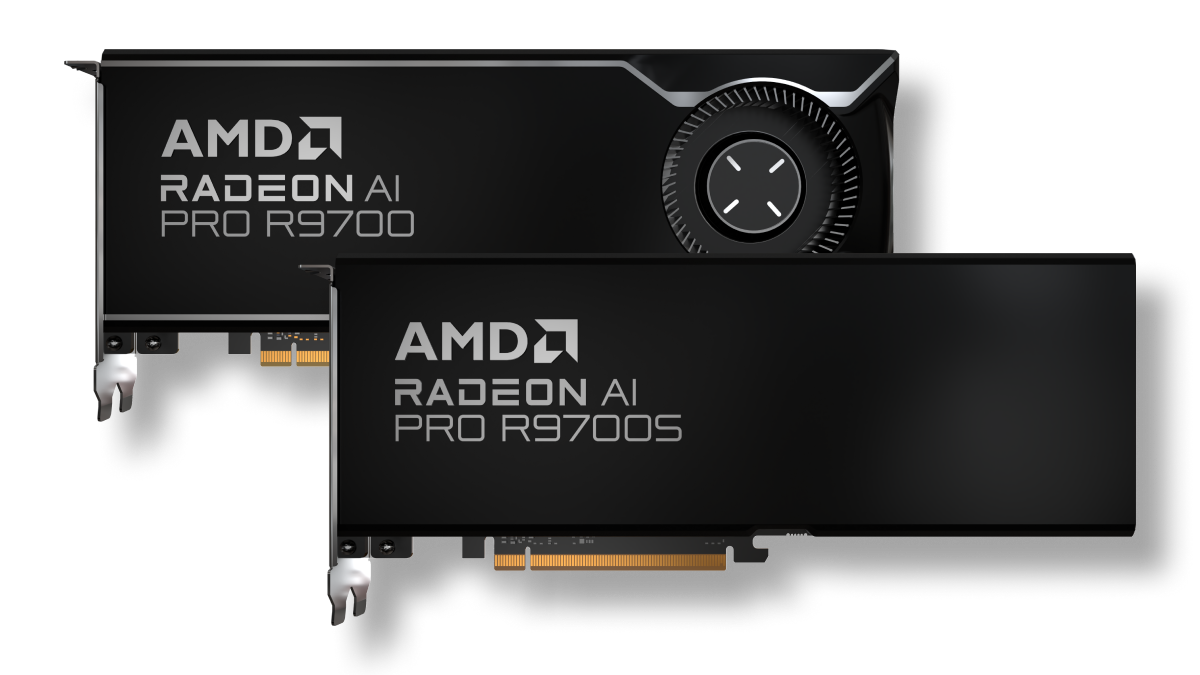
Experiment with powerful AMD Radeon GPUs for developing local AI applications based on your geography.
Explore more topics to find relevant learning resources to help you stay updated with the latest technological advancements from AMD.
Developing local AI applications on GPUs is ideal when you need low latency, real-time responsiveness, cost control, or data privacy without relying on the cloud. By programming AMD Radeon GPUs with ROCm, developers can run AI workloads locally for use cases such as:
Successive ROCm releases have seen significant leaps in performance. See the performance results page to get a reference point for evaluating how AMD Instinct GPUs perform with ROCm software running popular AI models for inference (e.g., vLLM, xDiT) and training (e.g., PyTorch, Megatron-LM, and JAX MaxText).
AMD Radeon RX, Radeon PRO, and Radeon AI Pro GPUs with ROCm support offer powerful local AI fine-tuning and inference. PyTorch can be installed for ROCm on these GPUs using PIP (for Linux and Windows) or Docker (for Linux) installation methods. The AMD ROCm team actively contributes to open-source development and collaborates closely with framework organizations, including PyTorch.
Sign up for the ROCm newsletter to keep up-to-date on the latest releases and tips.