Agentic AI Brings New Attention to CPUs in the AI Data Center
Mar 13, 2026

At a glance:
- Always part of the AI process, CPUs have a new level of importance as agentic AI requires more logic and more management of GPUs.
- As agentic AI proliferates, inference becomes a multistep workflow driving new demand for CPU compute.
- In modern AI clusters, CPUs do the critical system work that keeps accelerators productive: scheduling, data prep, memory and I/O, and control flow.
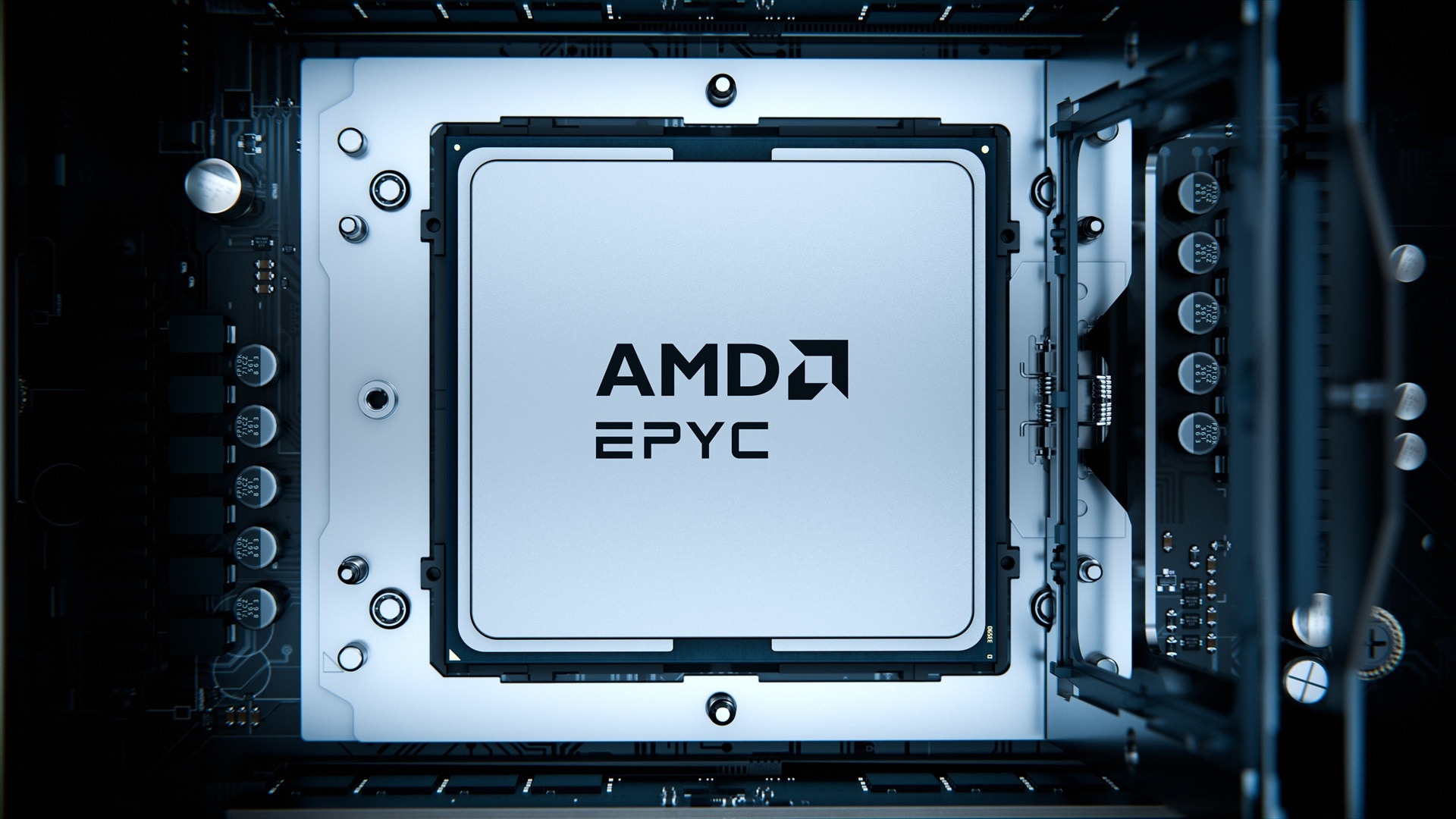
- AMD EPYC™ server CPUs help customers build balanced, open AI infrastructure working in lockstep with AMD Instinct™ GPUs, AMD Pensando™ networking technologies, and the AMD ROCm™ software stack.
At the AMD Advancing AI event last June, CEO and Chair Dr. Lisa Su described agentic AI as a new class of user: systems that are always active, continuously accessing data, applications, and services to make decisions and complete complex tasks.
These systems rely on high-performance GPUs to generate insights in real time, but the surrounding infrastructure is just as important. As agentic AI activity grows, high-performance CPUs coordinate workflows, process and move data, and manage the many operations that occur around the model.
While GPUs excel at the high-throughput parallel processing used in AI training and many inference tasks, modern AI deployments depend on balanced systems. CPUs, GPUs, networking, and software each play distinct roles in delivering performance at scale.
Within these environments, CPUs orchestrate workloads, manage memory and data movement, and support the enterprise applications that run alongside AI models in production. That makes CPU performance and efficiency more important than ever in the overall performance of modern AI infrastructure.
In recently published data, a 5th Gen AMD EPYC CPU-based system is estimated to show up to 2.1x higher performance per core against comparable Nvidia Grace Superchip-based systems.1 The same AMD EPYC CPU-based system compared to the same Nvidia Grace Superchip-based system is estimated to deliver up to 2.26x uplift on SPECpower,2 measuring operations per watt.
Just as importantly, the x86 CPU architecture gives customers the advantage of a broad, proven software ecosystem with the vast majority of enterprise workloads already running natively across on-prem and cloud environments; without the refactoring, recompiling, and multiple code bases that often come with adding Arm-based systems.
How CPUs and GPUs Work Together
Think of the relationship between CPUs and GPUs in AI data centers as that of a head coach with a team of agile athletes.
The CPU head coach calls the plays, reacts to the other team, watches the clock and keeps all the players moving in the right direction. GPUs are the players, each of them specializing in one very efficient part of one play at a time.
Server CPUs are designed to handle complex tasks and orchestrate GPUs in system. They load data from memory, ready it for the GPUs, coordinate its right-on-time delivery, and handle the instructions and data the GPUs need to do their jobs. GPUs with their smaller cores are designed for simpler chores that they perform again and again at a rapid pace.
Roles Adjust Between Training and Inference
Training is where GPUs and high throughput compute shine. Neural networks rely heavily on operations involving large grids of data, and AI training requires a team of GPUs to crunch that data over and over for the system to learn.
During training, CPUs manage and feed the data to the GPUs to keep them working at peak efficiency. CPUs also run the operating system, manage memory and schedule tasks. It’s a lot, but it’s not a strain on the CPUs.
As the bulk of AI work transitions to inference, the CPU becomes less organizer and more the results-focused manager. GPUs still perform much of the heavy neural network math. But the CPU picks up the heavy thinking: It collects the data, routes information, interprets results, and decides the final actions. The CPU’s role is more intense in inference with control, coordination, and complex decision-making happening at the same time.
This shows why architecture matters.
AMD is the leader in chiplet design. That modular approach gives AMD the flexibility to tune compute, I/O, memory bandwidth, and power envelopes to deliver right-sized compute for everything from core enterprise applications and virtualization to GPU orchestration and multi-step agentic AI workflows.
Agentic AI Leans on the CPU
The arrival of agentic AI – artificial intelligence that can plan, decide, and take actions with minimal human intervention – demands a CPU that can do more than ever. In the world of AI agents, CPUs spend more time and logic considering results, rather than just returning a response like traditional inferencing. And, often, it returns the problem to the GPUs for another go-around with adjusted directions before that final result is delivered.
On top of their other duties, CPUs in agentic AI systems need to manage tool calls, API requests, and memory queries. And, in a perfect world, they do all that while keeping the GPUs busy. The rise of agentic AI drives increased CPU cycles as CPUs move data between agents, enterprise applications and data lakes.
The CPU coach is not only playing out the game’s last two minutes, it’s trying play after play to score. And the decisions it makes determine how GPUs are utilized, overall throughput, and, especially important for AI providers, total cost of ownership.
Cue the AMD EPYC Server CPUs
Agentic AI is expanding what AI can do. It’s also reinforcing a truth every data center architect already knows: The best AI outcomes come from balanced systems. GPUs will continue to drive the compute, but CPUs will be increasingly critical to orchestration, efficiency, and overall data center consolidation to make more room for more AI systems without having to increase data center footprint or power envelope.
AI performance is increasingly defined at the system level and AMD is uniquely positioned to optimize everything from CPUs and GPUs to networking and an open software stack to maximize cluster-level performance per system watt. AMD EPYC CPUs tightly integrate with AMD Instinct GPUs to support efficient GPU management with the system all brought together by the AMD ROCm software stack.
AMD is already building on that foundation. Next-gen AMD EPYC CPUs, codenamed “Venice,” are positioned to power the upcoming “Helios” rack-scale AI architecture. “Venice” is expected to extend leadership in performance, density, and energy efficiency for AI and general-purpose workloads.
AI is accelerating compute demand across the board and driving a global server refresh cycle. With AMD EPYC processors, AMD is delivering the CPU foundation customers need to scale what’s next – and to coach all those high-performing GPUs.
Click here to learn how AMD is enabling the agent computer.
Footnotes
- 9xx5-210: SPECrate®2017_int_base comparison based on published and estimated results as of 06/01/2025. Configurations: 2P AMD EPYC™ 9755 (2840 SPECrate®2017_int_base, 256 total cores, https://www.spec.org/cpu2017/results/res2025q2/cpu2017-20250407-47519.html) and 2P AMD EPYC™ 9575F (1700 SPECrate®2017_int_base, 128 total cores, https://www.spec.org/cpu2017/results/res2025q1/cpu2017-20250310-46819.html) versus 2P Grace CPU Superchip (estimated 740 SPECrate® 2017_int_base, 144 total cores as per NVIDIA claim: https://developer.nvidia.com/blog/inside-nvidia-grace-cpu-nvidia-amps-up-superchip-engineering-for-hpc-and-ai/).
- 9xx5-217: As of May 29, 2025, a 2P AMD EPYC™ 9755 system (128 cores) delivers a 2.26x SPECpower_ssj® 2008 overall ssj_ops/watt uplift versus a 2P NVIDIA Grace™ CPU Superchip system (144 cores), and a 2P AMD EPYC™ 9965 system (192 cores) delivers a 3.34x uplift versus the same Grace system.
Configurations:
2P EPYC 9755: 29,950 overall ssj_ops/watt: https://www.spec.org/power_ssj2008/results/res2024q4/power_ssj2008-20240924-01460.html .
2P EPYC 9965: 44,168 overall ssj_ops/watt: https://www.spec.org/power_ssj2008/results/res2025q2/power_ssj2008-20250407-01522.html.
2P NVIDIA Grace Superchip: 13,218 overall ssj_ops/watt: https://www.spec.org/power_ssj2008/results/res2024q3/power_ssj2008-20240515-01413.html.
SPEC® and SPECpower_ssj® 2008 are registered trademarks of the Standard Performance Evaluation Corporation. See www.spec.org for more information. Results based on SPECpower_ssj2008 weighted average (100%–10% load).
Results may vary based on factors including but not limited to BIOS and OS settings and versions, software versions, and workload configurations.
Footnotes
- 9xx5-210: SPECrate®2017_int_base comparison based on published and estimated results as of 06/01/2025. Configurations: 2P AMD EPYC™ 9755 (2840 SPECrate®2017_int_base, 256 total cores, https://www.spec.org/cpu2017/results/res2025q2/cpu2017-20250407-47519.html) and 2P AMD EPYC™ 9575F (1700 SPECrate®2017_int_base, 128 total cores, https://www.spec.org/cpu2017/results/res2025q1/cpu2017-20250310-46819.html) versus 2P Grace CPU Superchip (estimated 740 SPECrate® 2017_int_base, 144 total cores as per NVIDIA claim: https://developer.nvidia.com/blog/inside-nvidia-grace-cpu-nvidia-amps-up-superchip-engineering-for-hpc-and-ai/).
- 9xx5-217: As of May 29, 2025, a 2P AMD EPYC™ 9755 system (128 cores) delivers a 2.26x SPECpower_ssj® 2008 overall ssj_ops/watt uplift versus a 2P NVIDIA Grace™ CPU Superchip system (144 cores), and a 2P AMD EPYC™ 9965 system (192 cores) delivers a 3.34x uplift versus the same Grace system.
Configurations:
2P EPYC 9755: 29,950 overall ssj_ops/watt: https://www.spec.org/power_ssj2008/results/res2024q4/power_ssj2008-20240924-01460.html .
2P EPYC 9965: 44,168 overall ssj_ops/watt: https://www.spec.org/power_ssj2008/results/res2025q2/power_ssj2008-20250407-01522.html.
2P NVIDIA Grace Superchip: 13,218 overall ssj_ops/watt: https://www.spec.org/power_ssj2008/results/res2024q3/power_ssj2008-20240515-01413.html.
SPEC® and SPECpower_ssj® 2008 are registered trademarks of the Standard Performance Evaluation Corporation. See www.spec.org for more information. Results based on SPECpower_ssj2008 weighted average (100%–10% load).
Results may vary based on factors including but not limited to BIOS and OS settings and versions, software versions, and workload configurations.


Related Blogs
-
-
Rightsizing Cloud Workloads on AMD Part 1 Foundations
Learn the foundations of rightsizing cloud workloads on AMD: define goals, choose the right time, classify workloads, and select relevant benchmarks.
October 01, 2026
-
EPYC CPUs Deliver for Every Layer of the Agentic AI Stack
Agentic systems combine multiple CPU roles into a workflow. The latest AMD EPYC CPU generation lets customers optimize for each task.
September 18, 2026
-
Building Infrastructure for an AI World in Motion
The biggest risk is not choosing the wrong technology today. It is building infrastructure that cannot adapt tomorrow.
September 17, 2026
-
Advancing AI 2026: From Gigawatt Data Centers to Agentic PCs
Explore how AMD connects data center, cloud, and local AI to enable secure, cost-aware agentic workflows across enterprise PCs.
September 16, 2026
-
From LEAP 2026: Advancing AI Across the Middle East
At LEAP 2026, AMD’s role helping build open AI infrastructure and turn investments into measurable business and economic value was on display.
September 09, 2026
-
Optimize SQL Server Costs with AMD on AWS
Optimize SQL Server licensing costs on AWS with AMD-powered Amazon EC2 and Amazon RDS instances while maintaining performance.
September 03, 2026
-
The Data Center Math has Changed
Run more work on fewer servers to reduce power, space and licensing costs while creating capacity for what comes next.
September 02, 2026